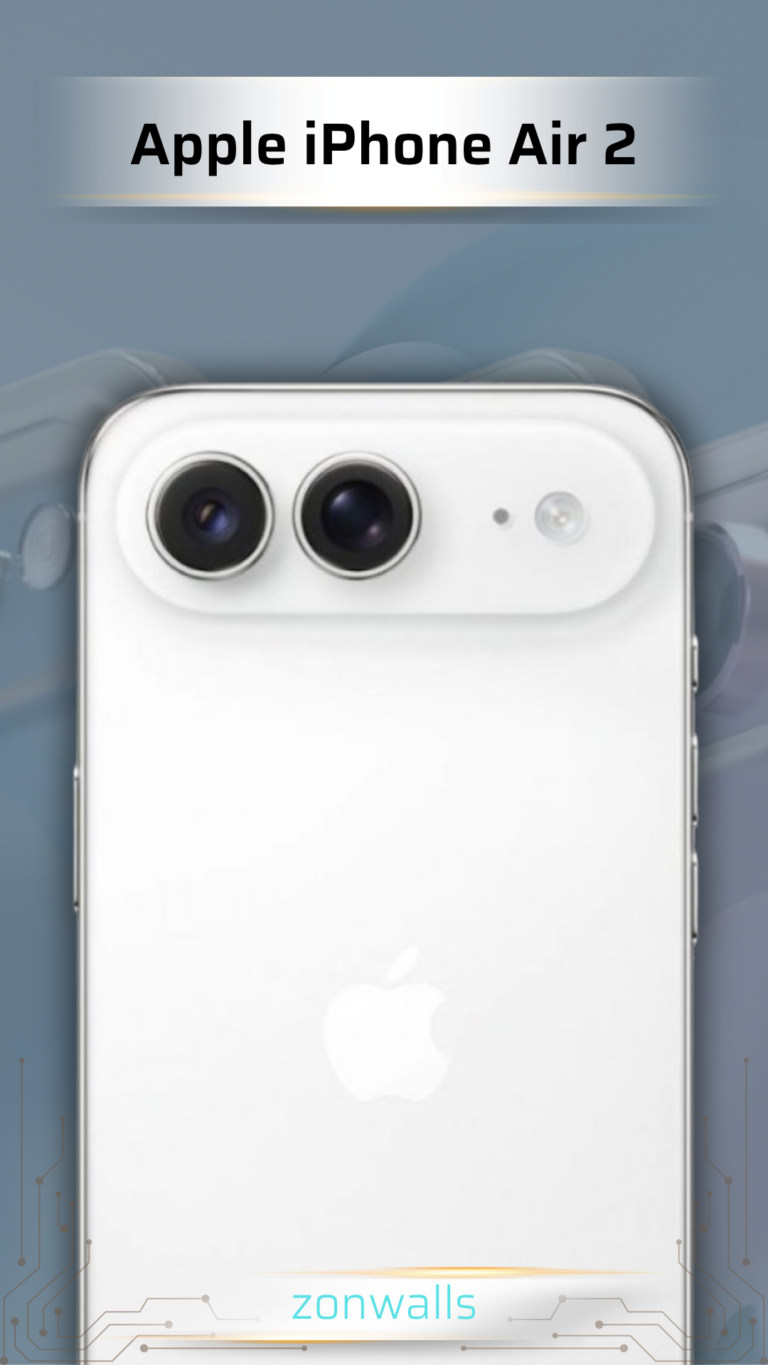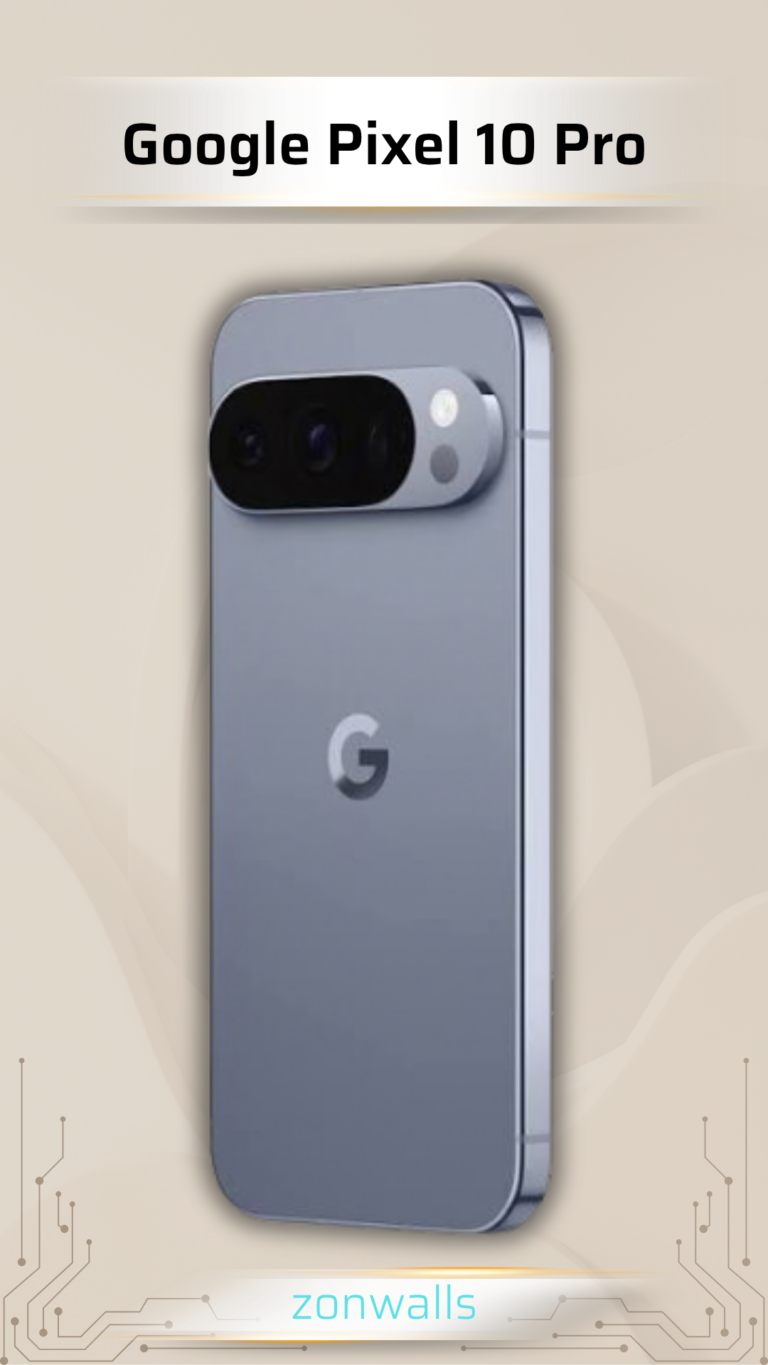






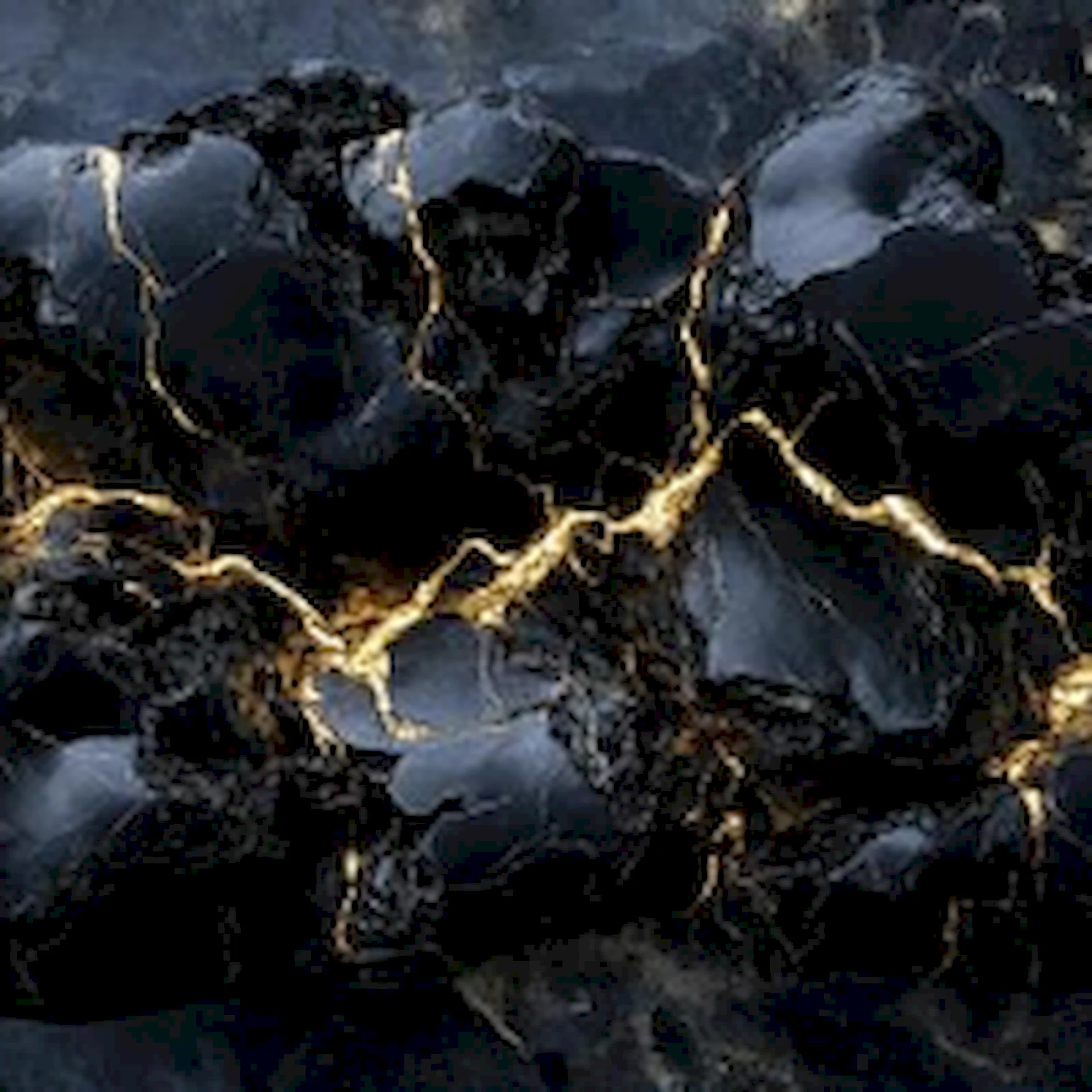

In the age of high-performance mobile devices, screen technology has undergone a massive evolution. Modern smartphones—ranging from flagship iPhones and Samsung Galaxy devices to Google Pixels—are overwhelmingly built around OLED and AMOLED displays. While these screens offer breathtaking color accuracy and infinite contrast ratios, making full use of their hardware capabilities depends on one crucial element: choosing premium OLED Dark Wallpapers.
Thank you for reading this post,
Using high-resolution OLED Dark Wallpapers is no longer just a visual trend for tech enthusiasts; it is a smart, science-backed approach to optimizing battery life, reducing digital eye strain, and elevating your phone’s overall visual aesthetic.
In this comprehensive guide by Zonwalls.com, we explore the technology behind dark wallpapers, how true black images extend battery endurance, and how to pick the perfect OLED Dark Wallpapers for your device.
1. The Science Behind OLED Dark Wallpapers
To understand why OLED Dark Wallpapers perform better than bright backgrounds, it is essential to look at how display technologies render light and color.
Traditional LCD vs. OLED Technology

- LCD Panels: Traditional LCD screens rely on a constant backlight placed behind the panel. Whether your screen displays pure white or absolute black, that backlight remains fully illuminated, consuming power continuously.
- OLED & AMOLED Displays: In an OLED panel, every single pixel generates its own light. When a pixel renders a true black color (
#000000), it turns off completely.
When you set high-quality OLED Dark Wallpapers featuring large areas of pure black, significant portions of your smartphone display physically shut down. This hardware efficiency delivers:
- Infinite Contrast Ratios: Extreme contrast between deep black backdrops and vibrant accent graphics.
- True Color Depth: Pure, pitch-black levels without backlight bleed.
- Display Longevity: Lower overall pixel heat, reducing the long-term risk of screen burn-in.
2. Battery Savings: How OLED Dark Wallpapers Extend Screen-On Time
One of the main reasons users search for OLED Dark Wallpapers is battery conservation. Real-world tests confirm that switching from a light wallpaper to a dark OLED theme yields measurable energy savings.
Battery Consumption Breakdown
| Display Brightness Level | Light Wallpaper Power Usage | OLED Dark Wallpaper Power Usage | Total Energy Saved (%) |
| Low Brightness (20%) | Moderate | Low | ~10% – 15% |
| Medium Brightness (50%) | High | Low-to-Moderate | ~20% – 30% |
| High Brightness (100%) | Very High | Moderate | ~35% – 50% |
At maximum screen brightness, using dark backgrounds significantly slows down display power drain, ensuring your smartphone battery lasts noticeably longer during daily use.
3. Eye Care and Visual Ergonomics
Modern smartphone users spend hours looking at screens, frequently in low-light environments before sleeping or early in the morning.
Benefits of Dark Themes for Eye Comfort
- Lower Blue Light Output: Bright backgrounds emit high-energy visible blue light, which can disrupt natural sleep rhythms. Dark backgrounds significantly minimize light emission.
- Reduced Glare: Unlocking a bright phone screen in a dim room causes temporary eye fatigue. Dark backgrounds keep illumination levels soft and comfortable.
- Clearer Contrast: App icons, widgets, and notification badges stand out crisply against dark backgrounds without causing visual confusion.
4. Top Design Categories for OLED Dark Wallpapers on Zonwalls
At Zonwalls.com, we offer a curated selection of ultra-HD 4K dark wallpapers tailored for modern OLED displays:
(Note: Replace image URL with your actual site image link)
A. Minimalist & True Black (#000000)
Minimalist designs feature clean geometric lines or subtle gradients set against pure black backgrounds, delivering maximum icon readability and ultimate battery efficiency.
B. Neon & Cyberpunk Aesthetics
Futuristic cityscapes and neon graphics glowing against pitch-black backdrops look stunning on OLED displays, highlighting the screen’s high dynamic range.
C. Deep Space & Astronomy
High-resolution galaxy photography and starry sky landscapes natural fit OLED displays, turning off most pixels while individual stars pop with sharp brightness.
D. Moody Nature Photography
Dark forests, moonlight mountains, and moody ocean waves provide a calm, natural visual balance perfect for daily home screen setups.
5. How to Setup Your Phone with OLED Dark Wallpapers
To achieve an ultra-clean home screen layout using OLED Dark Wallpapers, follow these simple tips:
- Match App Icons: Use dark, translucent, or monochrome icon sets to complement the dark theme.
- Keep Widgets Minimal: Limit your home screen to 1 or 2 essential transparent widgets (such as time and weather).
- Clear Lower Screen Area: Keep the central bottom area of your background clear of cluttered app icons to showcase the wallpaper artwork.
Final Thoughts: Upgrade Your Screen on Zonwalls.com
Upgrading your smartphone home screen with high-resolution OLED Dark Wallpapers is an effortless way to extend battery life, reduce eye fatigue, and maintain a modern mobile aesthetic.
Explore our constantly updated library of premium 4K backgrounds today on Zonwalls.com and give your smartphone the visual upgrade it deserves!