


Apple iPhone Air 2 Wallpapers: 4K, HD & Minimalist Designs
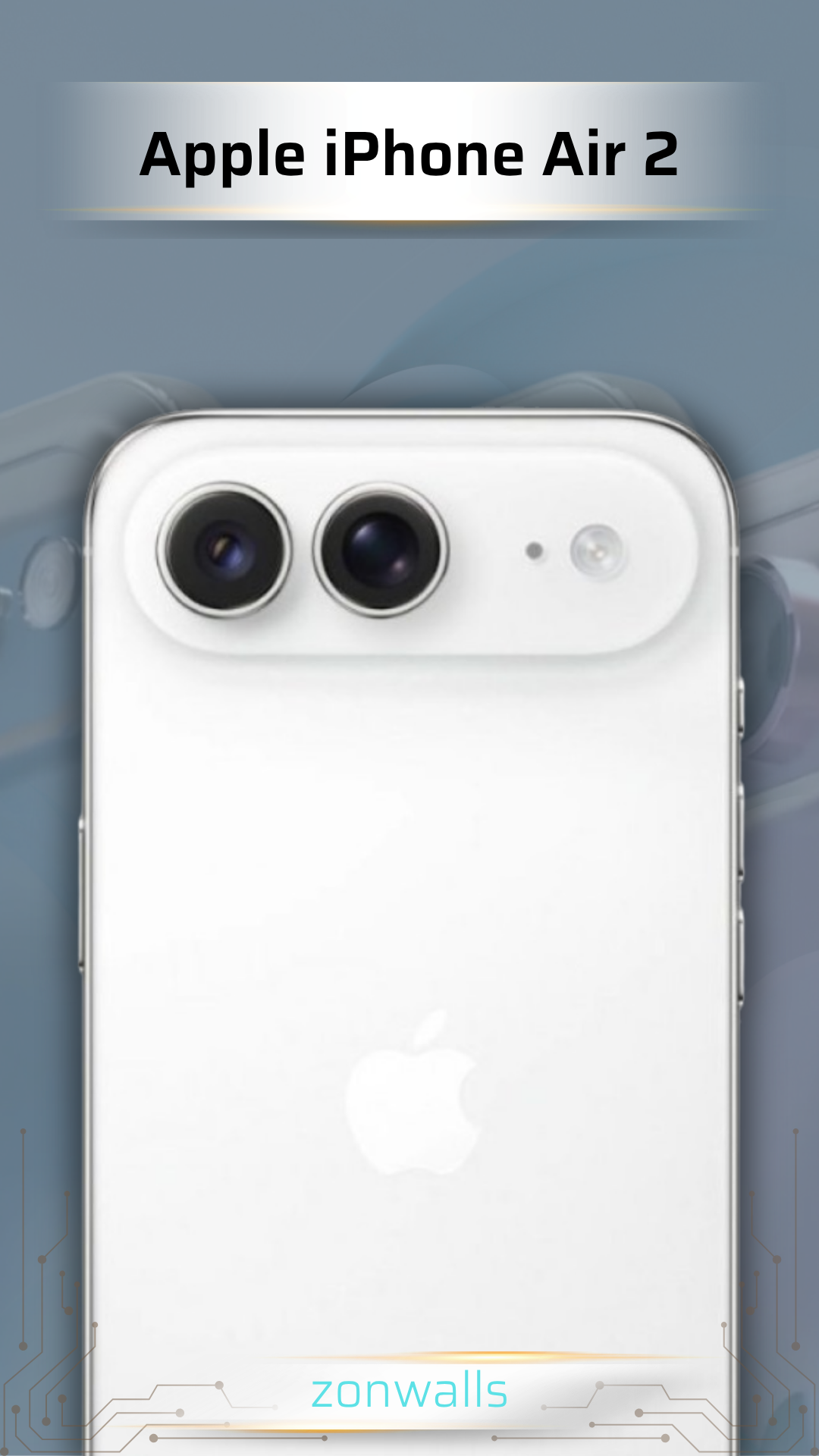
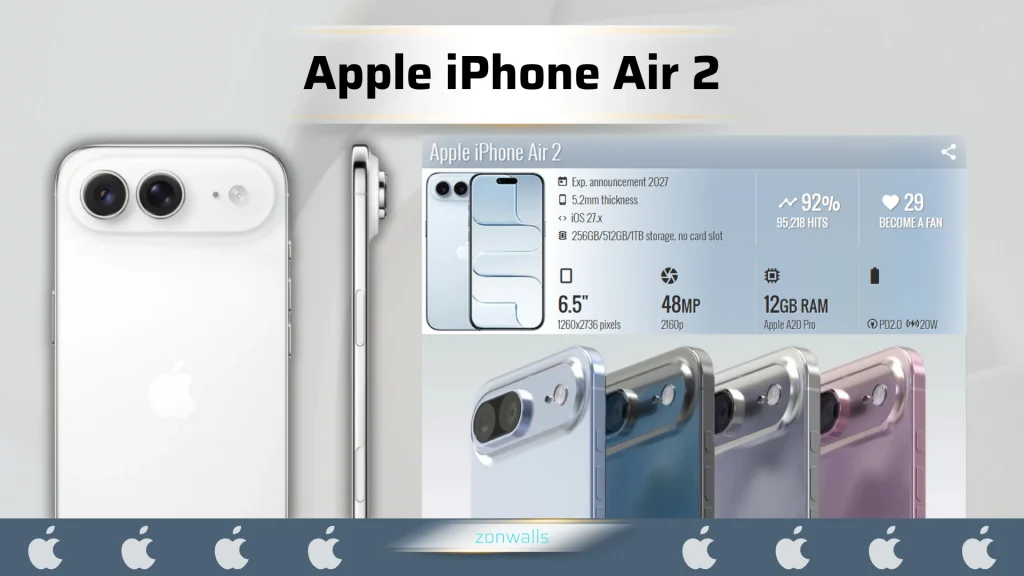
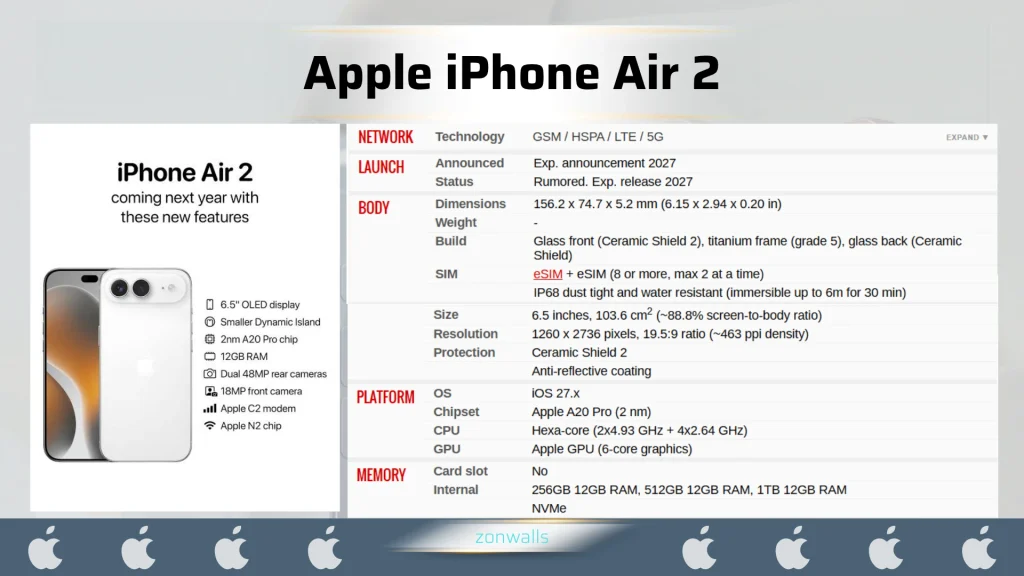
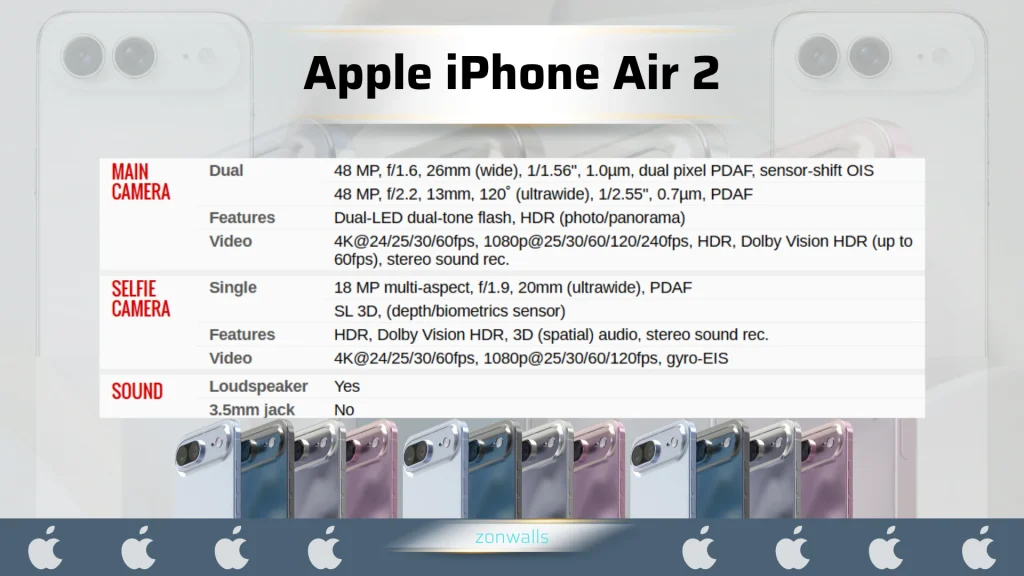
If you’re hunting for Apple iPhone Air 2 wallpapers, here is the first thing worth knowing: Apple hasn’t announced that phone yet. Current reporting points to a spring 2027 launch, but nothing is official. So everything in this collection is concept-inspired artwork, designed with a slim, premium phone in mind. It is not an official Apple wallpaper, and no real Air 2 screenshot has been used.
Thank you for reading this post,
In short: this guide covers four wallpaper styles (minimalist, dark, abstract gradient, and nature-inspired), explains how to pick one that keeps your lock screen readable, and shows how to set it on your iPhone.
Discover Apple iPhone Air 2 Wallpapers
The original iPhone Air is defined by one idea: a large screen in a remarkably thin body. Apple lists it at about 5.64 mm deep with a 6.5-inch OLED display. Our concept direction borrows that spirit: light, clean, and quietly premium.
Each style is built for how people actually use a phone. You see the lock screen dozens of times a day, usually for a second or two, so a good wallpaper reads at a glance. It also leaves room for the clock, widgets, and app icons.
Minimalist Apple iPhone Air 2 Wallpapers
Minimalist iPhone wallpapers rely on negative space, soft gradients, and a single refined shape. Our concept uses silver, graphite, soft blue, and warm white, with the main visual interest pushed away from the center. That keeps the clock area calm.
Editorial observation: the fewer elements a wallpaper has, the more its edge quality matters. Soft gradients should be free of banding (visible color steps), which is why we favor high-quality source files.
Dark and AMOLED-Inspired iPhone Air 2 Backgrounds
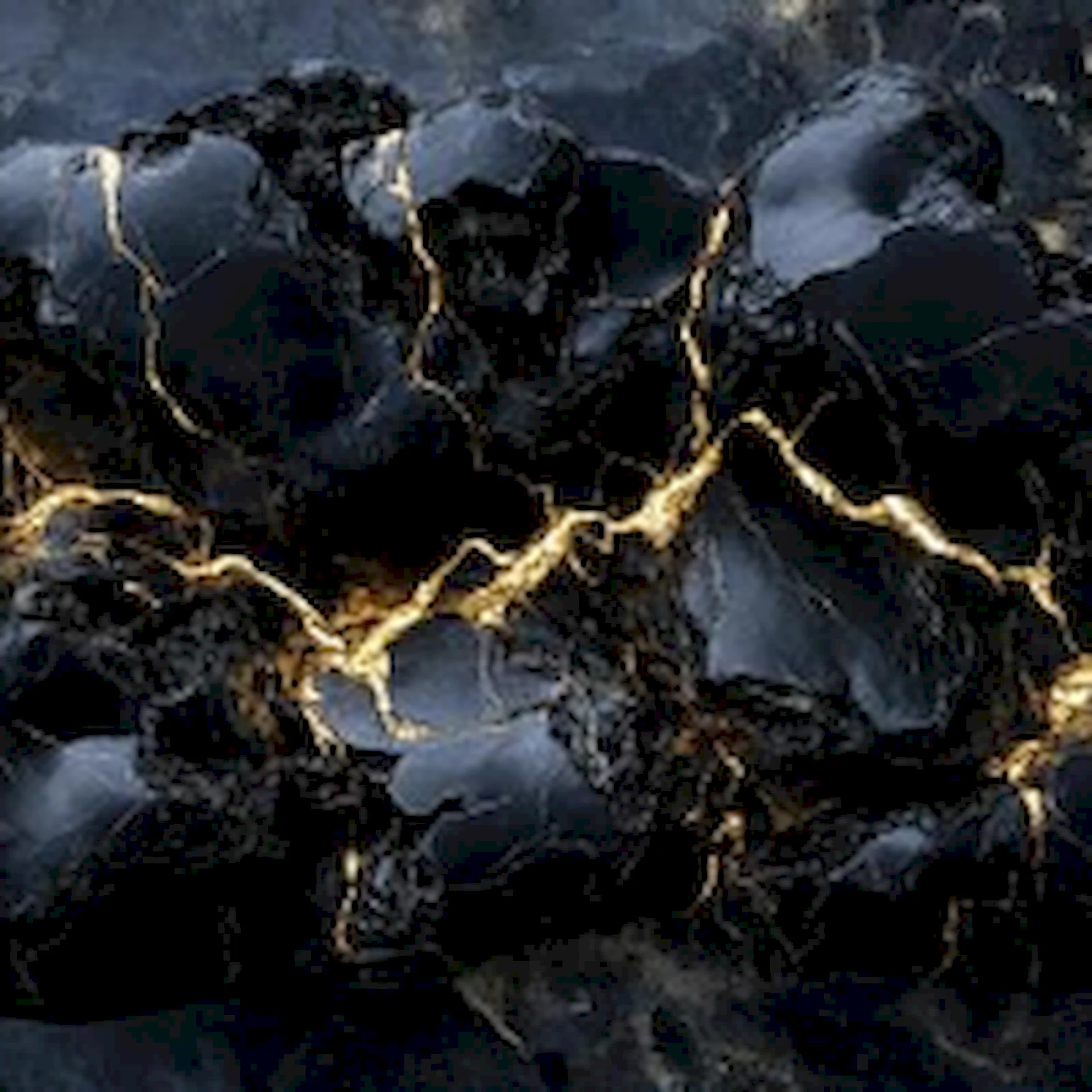
Dark iPhone backgrounds suit people who want icons and widgets to stand out. Deep graphite tones, restrained metallic highlights, and soft volumetric light add depth without glare.
Near-black wallpapers can look especially rich on OLED screens, which is the display type Apple uses on the current Air. We make no battery-saving claim here. Real-world savings depend on the device, brightness, and usage.
Abstract and Gradient iPhone Air 2 Wallpapers
Abstract designs are the most expressive option. Think flowing glass-like shapes, layered translucent forms, and luminous gradients in midnight blue, violet, silver, and cyan. These work well when you want your phone to feel a little more personal.
Tip: choose abstract wallpapers whose brightest area sits in the lower half of the screen. That leaves the top clear for the lock-screen time.
Premium Nature-Inspired iPhone Air 2 Wallpapers
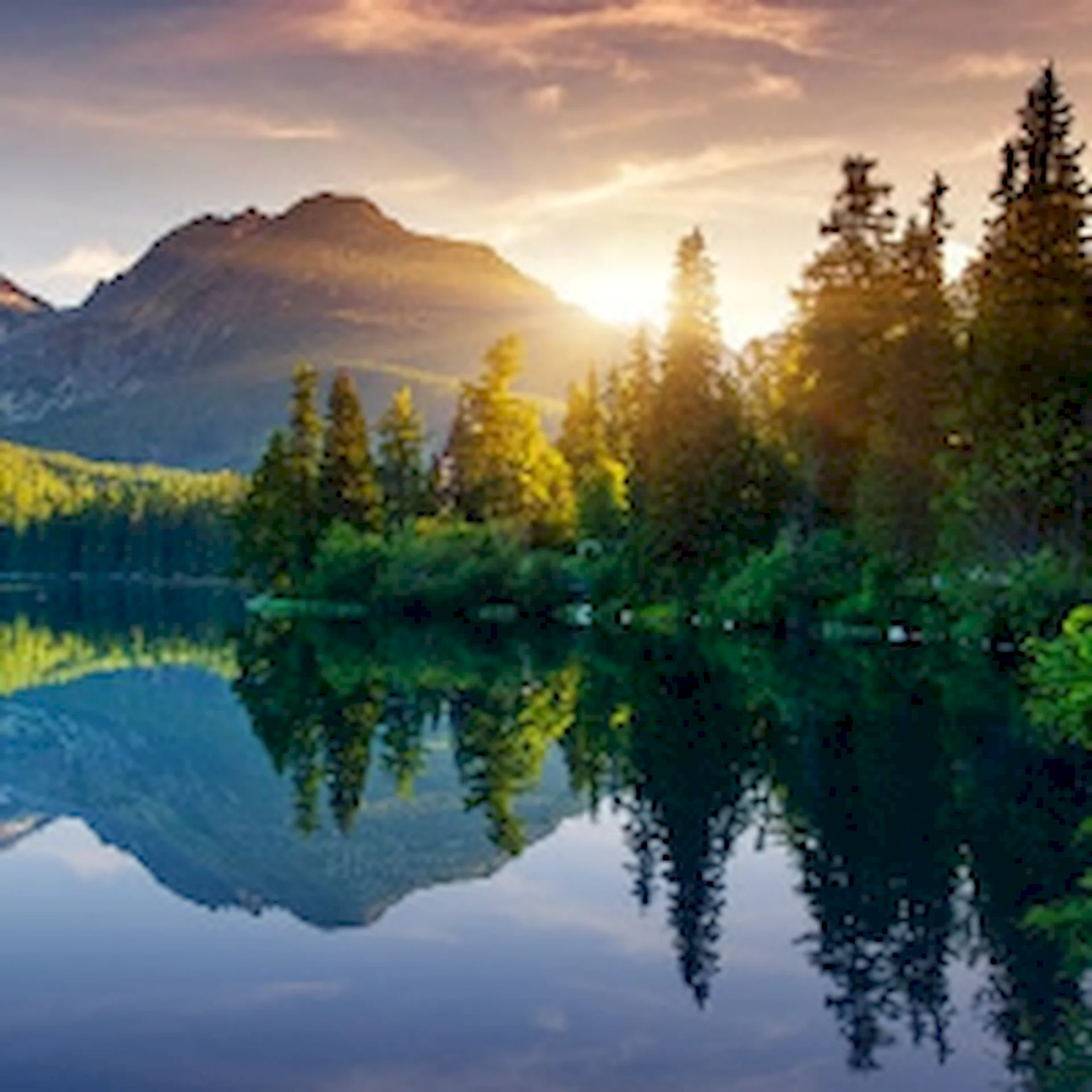
For a calmer look, atmospheric landscapes (mountain silhouettes, quiet horizons, soft mist) bring depth without busy detail. We kept the palette restrained: deep blue, muted teal, charcoal, and a touch of warm light.
How to Choose the Best Wallpaper for Your iPhone
- Check contrast first. Light text on a bright wallpaper is hard to read. Preview before you commit.
- Mind the clock area. Keep the top third of the screen relatively calm if you use a large lock-screen clock.
- Think about icons. Busy images can make home-screen labels hard to read. Gradients and dark tones tend to be safer.
- Place subjects deliberately. Make sure the main subject isn’t hidden behind the clock or the Dynamic Island.
- Pick high-quality files. Soft edges or visible compression usually mean a low-resolution original.
- Match the screen shape. For the original iPhone Air, Apple lists a 2736 × 1260 pixel display. The iPhone Air 2’s exact resolution and aspect ratio haven’t been confirmed, so check Apple’s specifications once the phone is announced. A wallpaper larger than your screen’s resolution will simply be scaled down, which is generally fine.
How to Download and Set an iPhone Wallpaper
- Open your chosen wallpaper page on ZonWalls.com.
- Use the download button if the page offers one, or press and hold the image and choose Add to Photos.
- Open the Photos app and find the saved image.
- Tap Share, then Use as Wallpaper, or go to Settings > Wallpaper > Add New Wallpaper.
- Preview the result on both your Lock Screen and Home Screen, pinch to adjust the crop, and tap Done.
Frequently Asked Questions
Where can I find Apple iPhone Air 2 wallpapers?
Right here on ZonWalls.com. Because the iPhone Air 2 hasn’t been announced, our collection is concept-inspired artwork. Official wallpapers won’t exist until Apple releases the phone.
Are Apple iPhone Air 2 wallpapers available in 4K?
Our wallpapers are designed to be high resolution, and each wallpaper page lists the resolution available. Since the phone isn’t out, no wallpaper can be called “official 4K for the Air 2.”
Are these wallpapers official Apple designs?
No. They are original ZonWalls concept artwork. Apple has not announced the iPhone Air 2 or released any wallpapers for it.
How do I choose the right wallpaper size?
Match or exceed your phone’s screen resolution and keep the aspect ratio close to your display. For the Air 2, wait for the official specifications.
Can I use dark or minimalist wallpapers on other iPhones?
Yes. These styles are not tied to a single model and work on any iPhone. Just preview the crop first.
How can I download a wallpaper from ZonWalls.com?
Open the wallpaper page, use the download option if one is shown, save it to Photos, then set it from the Wallpaper settings.
Conclusion
Whether you prefer a calm minimalist gradient, a deep dark background, a glass-like abstract, or a quiet mountain scene, the best Apple iPhone Air 2 wallpapers are the ones that keep your screen readable and feel like yours. While the phone itself is still unannounced, these concepts give you a way to preview the look. Browse more iPhone wallpapers and explore our dark, minimalist, and abstract collections on ZonWalls.com.


