


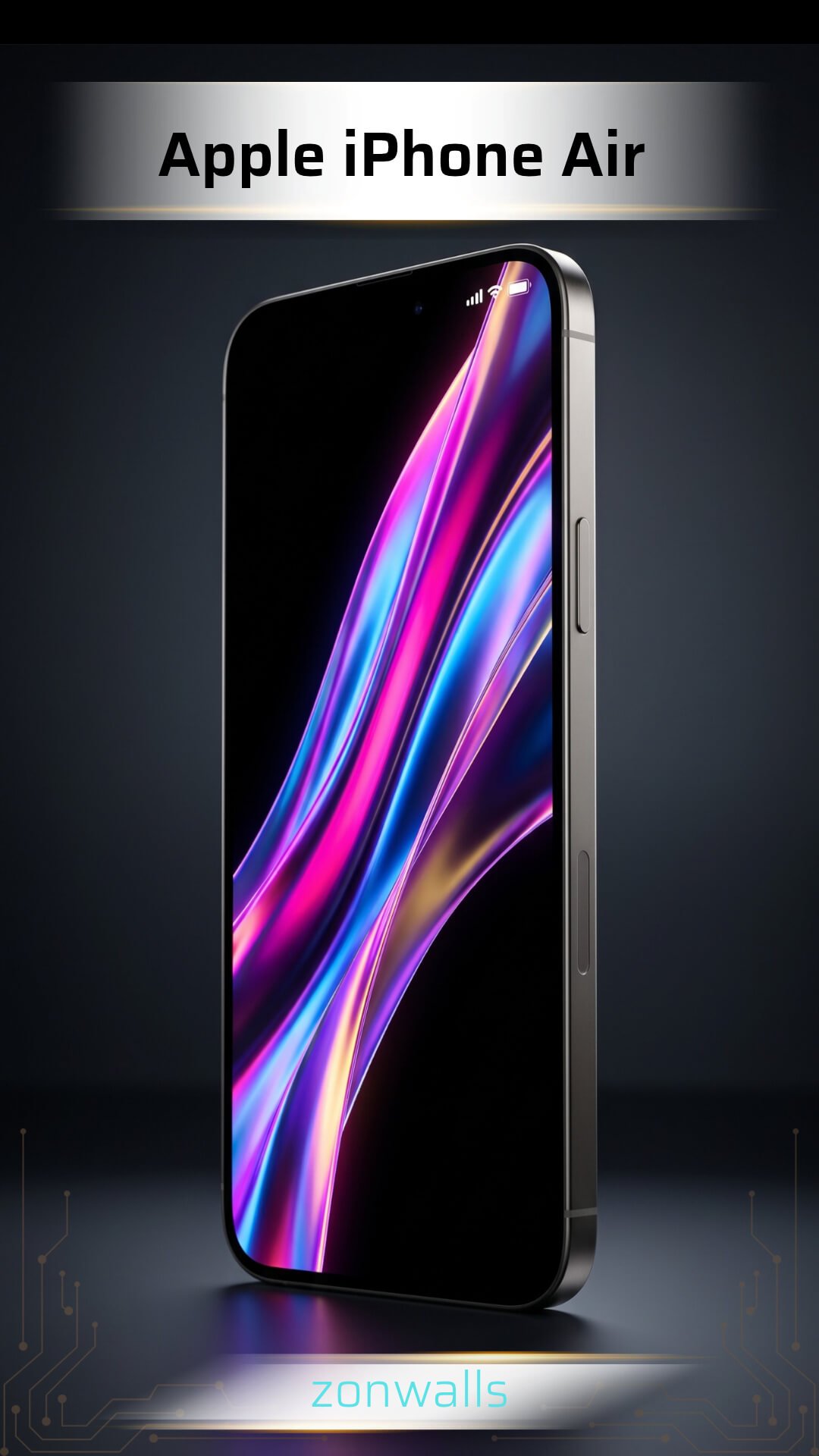
Apple iPhone Air: 8 Official 4K Wallpapers & Specs Guide
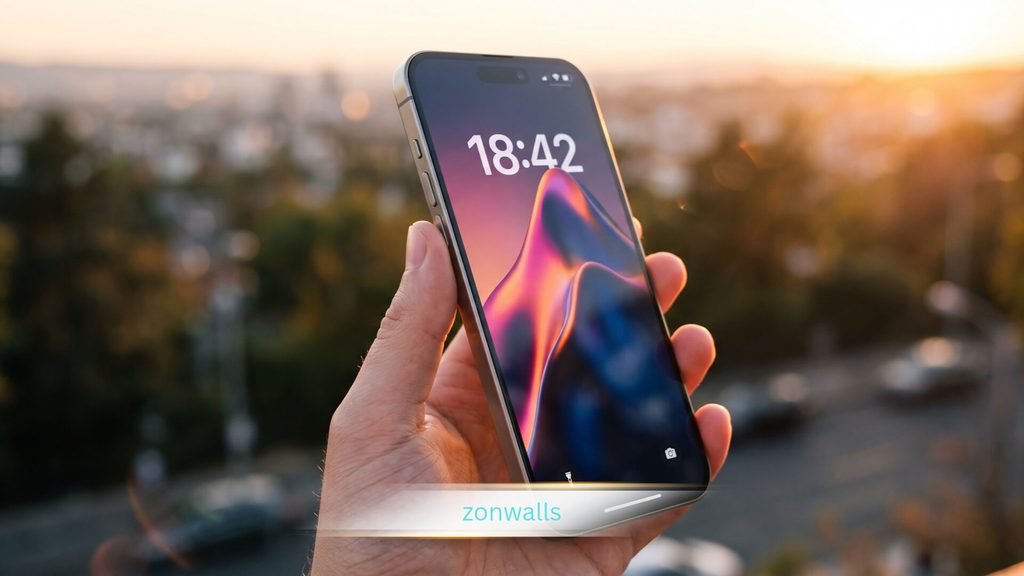
The Apple iPhone Air is the thinnest phone Apple has crafted to date, and its minimalist design commands attention before the screen even powers on. Every hardware decision strips away excess: bezels shrink to pencil-thin margins, excess bulk disappears, and what remains is an edge-to-edge display panel.
Thank you for reading this post,
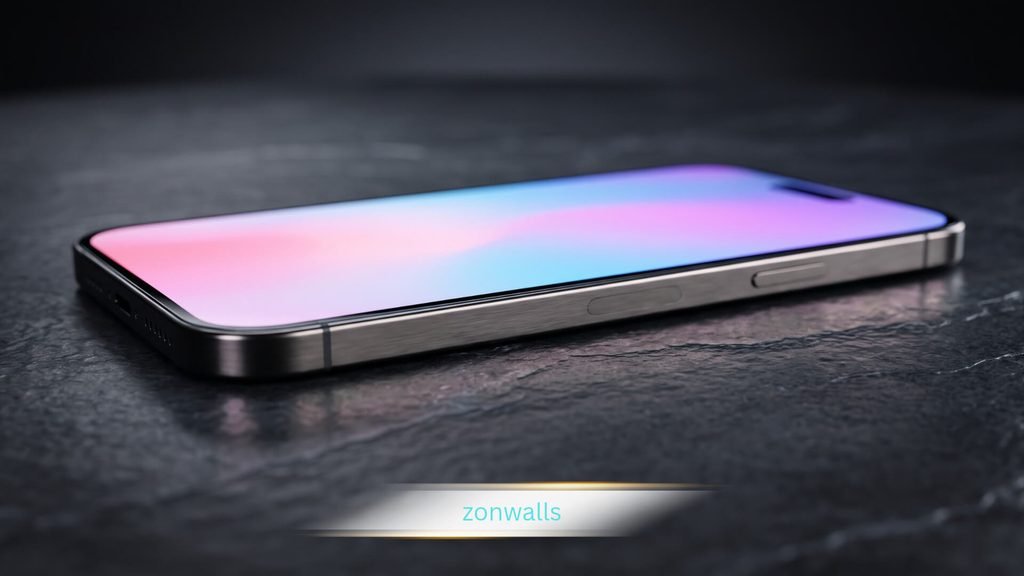
That razor-thin chassis fundamentally changes how digital artwork feels in your hand. With virtually no frame surrounding the glass, backgrounds appear to float seamlessly on the surface. That is why enthusiasts seek official stock-style wallpapers engineered to complement the device’s finishes, ranging from Space Black to Sky Blue.
This comprehensive guide analyzes the hardware display specifications, explores the artistic philosophy behind the collection, and delivers clean download steps for iOS and Android users.
Apple iPhone Air Display and Hardware Specs
A chassis measuring approximately 5.6 mm thick demands an uncompromising display panel. Apple equips the handset with an expansive 6.5-inch Super Retina XDR OLED screen that pushes pixels directly to the outer edges. For official architectural context, review the Apple Newsroom Launch Overview.
The core hardware specifications shaping wallpaper reproduction include:
| Display Feature | Apple iPhone Air Specification |
|---|---|
| Panel Type | Super Retina XDR OLED |
| Screen Dimensions | 6.5 inches (diagonal edge-to-edge) |
| Native Resolution | 2736 × 1260 pixels |
| Pixel Density | 460 ppi |
| Aspect Ratio | ~19.54:9 (calculated format) |
| SDR Typical Brightness | 1,000 nits |
| HDR Peak Brightness | 1,600 nits |
| Outdoor Peak Brightness | 3,000 nits |
| Refresh Technology | ProMotion Adaptive 120Hz |
| Chassis Profile | ~5.6 mm ultra-slim frame |
These hardware metrics provide a direct visual upgrade for high-resolution backgrounds:
- OLED Infinite Contrast: Individual self-lit pixels turn completely off during dark scenes, producing authentic ink-black tones with zero backlight bleed.
- 460 PPI Sharpness: The 2736 × 1260 native resolution preserves razor-sharp clarity across thin geometric linework and delicate color gradients.
- 3,000 Nits Outdoor Legibility: High luminance guarantees that intricate desktop art remains crisp under direct, harsh sunlight.
- Fluid ProMotion: While 120Hz does not animate static images, it makes swiping between Home Screen pages feel instantaneous.
Apple iPhone Air Stock Wallpaper Styles and Aesthetics
Digital wallpaper files found across the web generally fall into three distinct categories:
- Original Stock Art: The exact digital illustrations and renders shipped directly inside Apple’s operating system.
- Third-Party Static Renders: High-resolution PNG or JPG assets created by independent artists inspired by Apple’s hardware palette.
- Animated Live Wallpapers: Motion-based files and video loops designed for interactive lock screen triggers.
JPG and PNG formats remain still images. When browsing online collections, ensure you review authentic native resolutions rather than compressed upscales. To explore complementary setups across earlier generations, explore our Apple iPhone Wallpapers Collection.
Artistic Direction of the Apple iPhone Air Wallpapers
The visual motif of this generation centers around a singular concept: weightlessness. Four distinct artistic techniques define the artwork:
- Weightless Ribbon Gradients: Translucent ribbons weave through empty space like silk caught in zero gravity, mirroring the thinness of the frame.
- Fluid Spatial Waves: Gentle curving layers provide a natural sense of perspective without relying on distracting 3D clutter.
- Glass-Like Light Refraction: Light rays bend through overlapping translucent shapes, blending harmoniously with the front Ceramic Shield glass.
- Dynamic Color Transitions: Gradients flow organically from deep, rich undertones to airy, vibrant crests.
Color Variants Matching Device Finishes
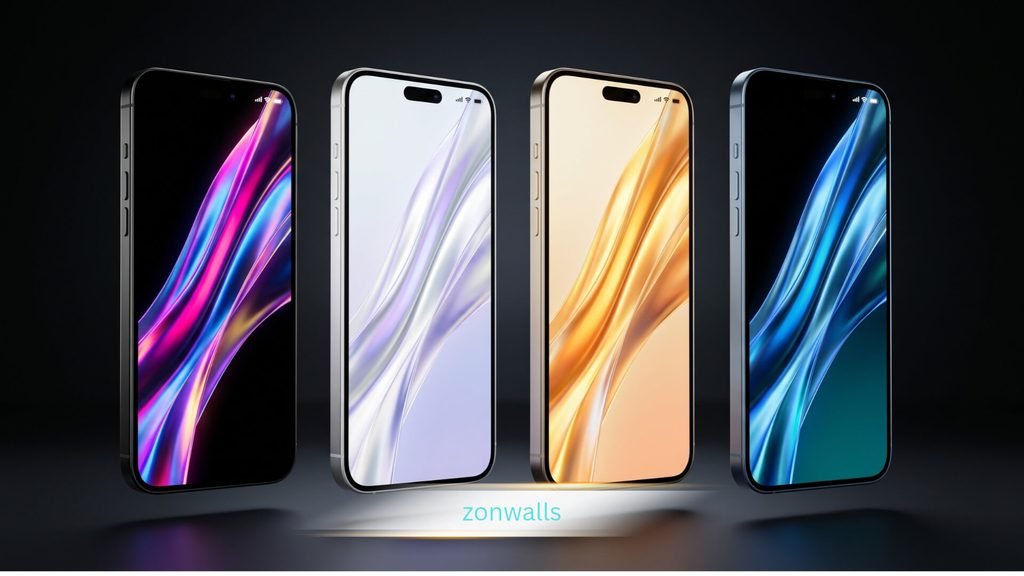
The eight stock wallpapers pair with the four physical finishes of the Apple iPhone Air:
- Space Black: Designed specifically for OLED efficiency. Deep charcoal ribbons sit against pure black backdrops, keeping icons effortlessly readable.
- Cloud White: Clean, luminous, and elegant. Pearl and silver tones add texture without blinding the viewer in low-light environments.
- Light Gold: Warm and understated. Soft champagne highlights inject a touch of luxury while balancing widget visibility.
- Sky Blue: Cool, crisp, and calming. Azure gradients deepen toward the lower dock to maintain visual separation.
For users who prefer extreme battery savings and deep contrast, pairing these finishes with our Minimalist AMOLED Wallpapers Collection offers an elite visual setup.
How to Download and Apply Apple iPhone Air Wallpapers
Always verify exact pixel dimensions before saving image files. Many repositories label standard FHD graphics as “4K” without providing true high-resolution files. A native portrait image of 2736 × 1260 pixels or greater requires zero artificial stretching.
:::download-box
📥 Download Apple iPhone Air Official Stock Wallpapers
Get the complete pack of 8 official ultra-high-resolution wallpapers in uncompressed 4K quality (ZIP & High-Res PNG formats).
Download Official 4K Wallpapers Pack (Google Drive / Direct ZIP)
:::
Step-by-Step Setup for iPhone Users
- Download the uncompressed wallpaper file and save it to your Photos library.
- Navigate to Settings > Wallpaper or press and hold the active Lock Screen.
- Tap Add New Wallpaper and select the image under Photos.
- Tap the three dots in the bottom right corner and toggle Depth Effect to position the clock behind foreground elements.
- Tap the clock widget to customize typography, then select Add to set the image as a matching pair or standalone screen.
Step-by-Step Setup for Android Users
- Download the original resolution file to your local storage.
- Open your device Gallery or Google Photos and locate the file.
- Tap the menu icon (three dots) and select Use as > Wallpaper.
- Align the crop box using the full-frame portrait preview to avoid unwanted zooming.
- Confirm your placement for Home Screen, Lock Screen, or both.
Frequently Asked Questions About Apple iPhone Air Wallpapers
What is the native resolution of the Apple iPhone Air stock wallpapers?
The native display resolution is 2736 × 1260 pixels at 460 ppi. Official stock wallpaper assets are rendered at this resolution or higher (up to 4K UHD), allowing users to crop or shift perspectives without losing fidelity.
Can I use Apple iPhone Air wallpapers on older iPhones or Android phones?
Yes. These wallpapers are standard high-resolution digital image files (PNG/JPG). They function on any smartphone, though devices with different aspect ratios may slightly crop the horizontal edges during application.
Does the Apple iPhone Air display improve dark wallpaper performance?
Yes. Because the phone features an advanced Super Retina XDR OLED display, black background pixels turn completely off. This produces infinite contrast and reduces battery consumption during lock screen display time.
Are Apple iPhone Air stock wallpapers available in true 4K?
Yes, high-resolution original extracts and recreation packs are available in true 4K (3840 × 2160 pixels or equivalent portrait ratios). Always inspect image metadata to ensure you are downloading uncompressed files.